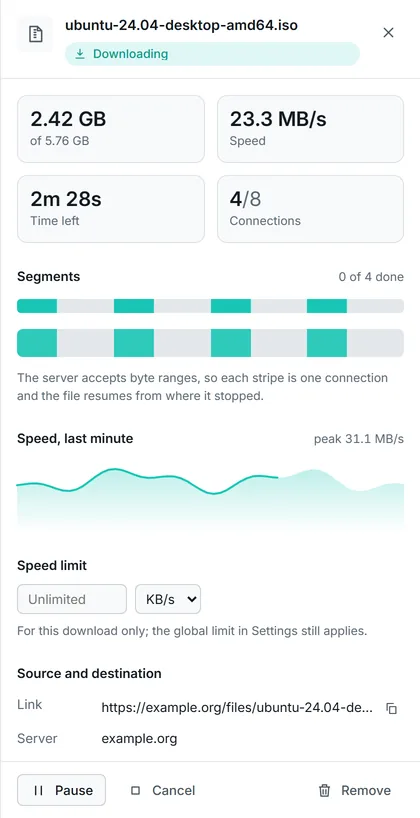
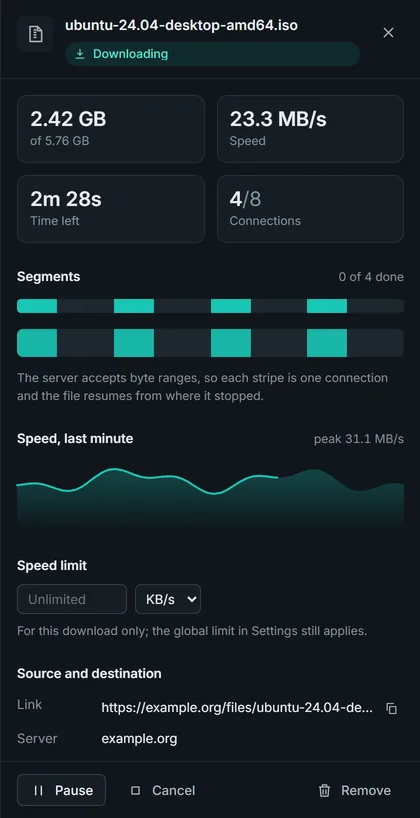
Every connection, live
Segment map, speed graph and a limit per download.
Animations are reduced because your system asks for less motion. Turn them on?
Beta 4 for Windows 10 and 11
The free, open-source download manager for Windows. Up to 32 connections per file, exact resume and SHA‑256 checks, in English and Arabic. No ads, no accounts.
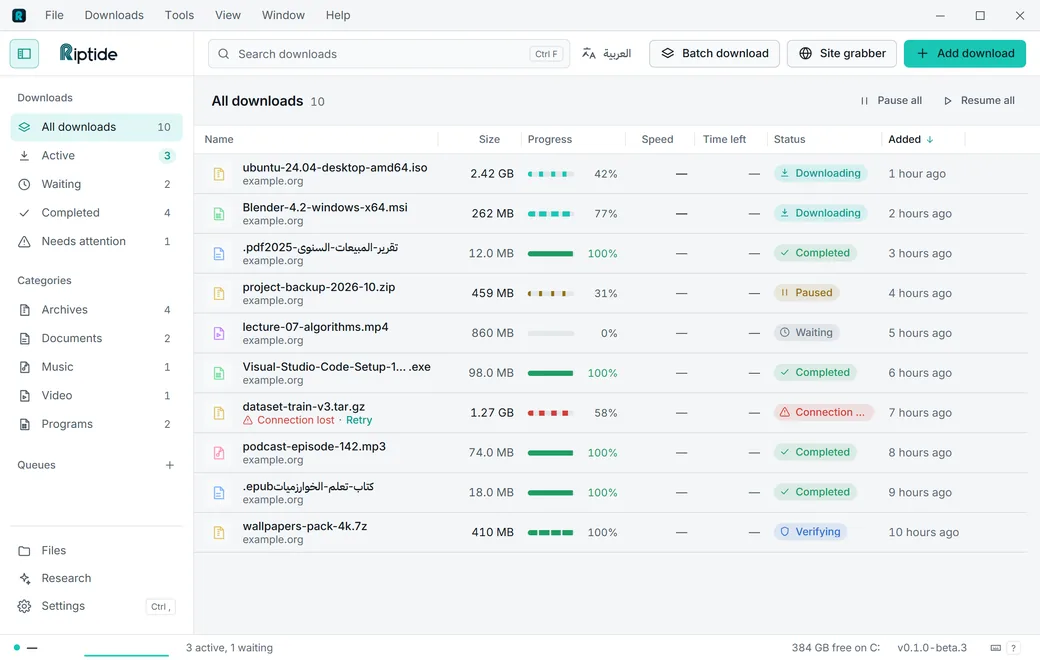
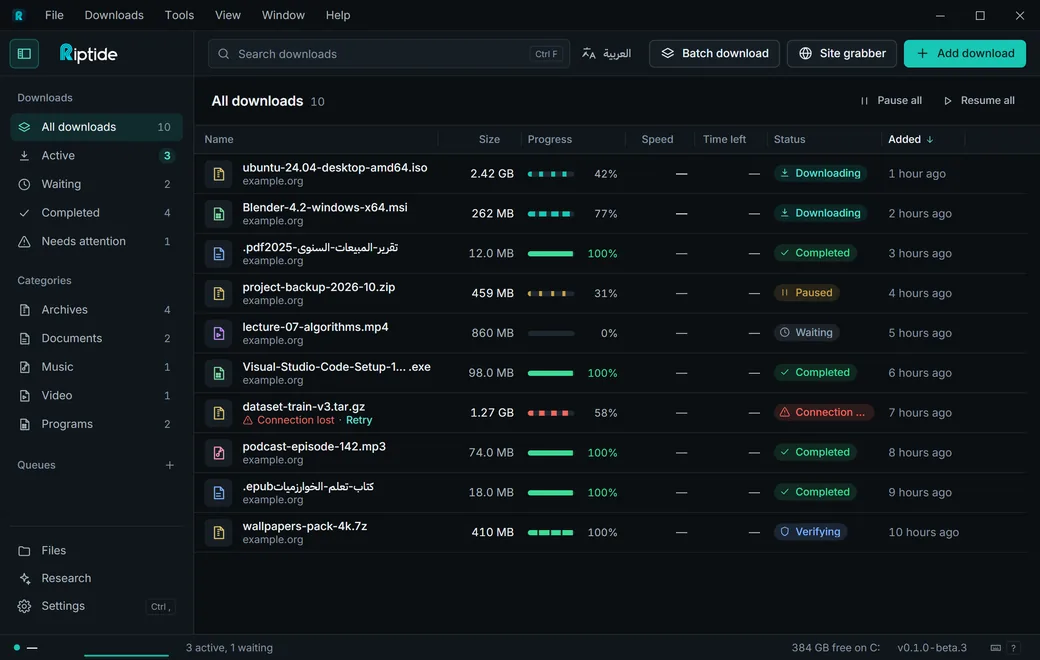
Riptide pulls a file down several lanes at once, then rebuilds it byte for byte.
Dense, calm, keyboard-friendly. Light and dark, English and Arabic.
A connection that finishes early takes over half of a slower one's range. Nothing sits idle.
Simulation A simulation, not a benchmark. Real speed depends on your connection and the server.
Progress is saved every second. Only a matching checksum makes a download Completed.
Riptide continues at the saved byte. If the file changed on the server, it starts over.
The .rtpart file is hashed and compared. Only a match becomes the final file.
Segment map, speed graph and a limit per download.
Free and open source. Nothing phones home.
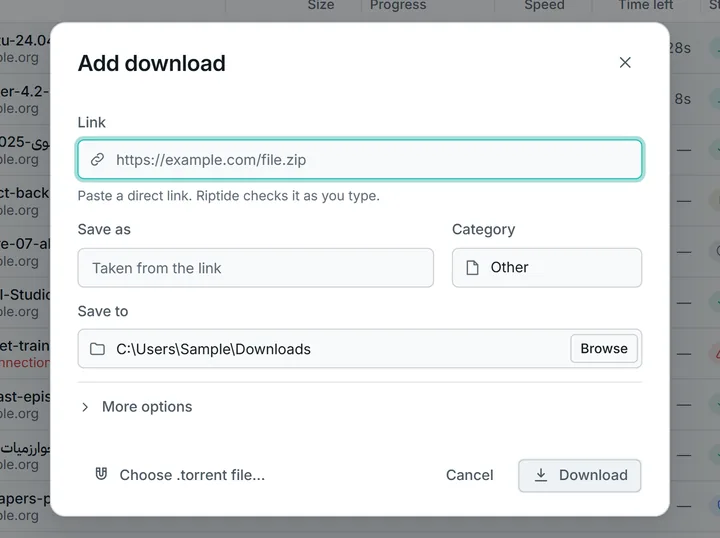
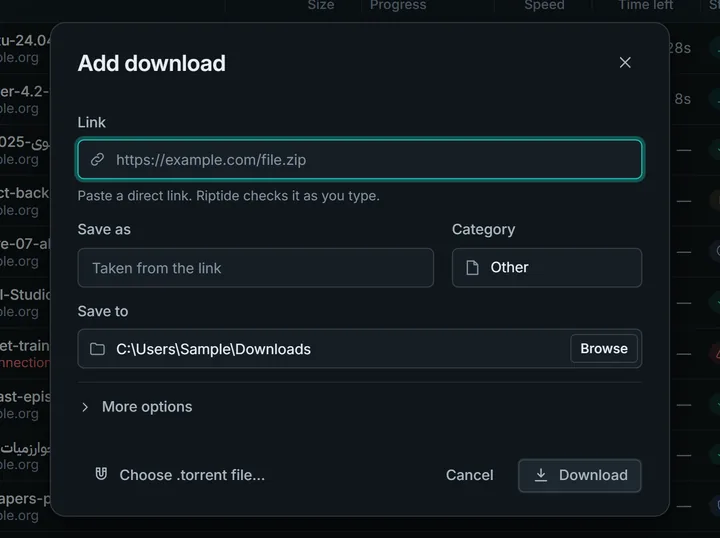
Paste a link. Size, resume support and connections are verified first.
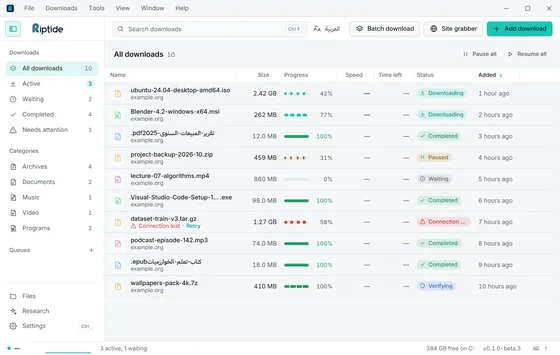
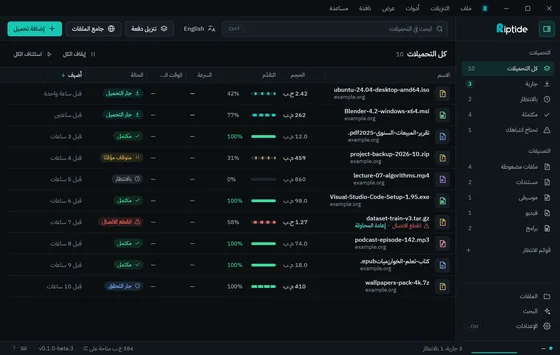
Fully mirrored right to left. Switch live.
YouTube, Vimeo and other sites yt-dlp supports. Pick a quality down to 144p, or audio only as M4A or MP3.
%LOCALAPPDATA%\Riptide
Per-user install, plus a portable zip.
Run at night or on chosen days, then sleep or shut down.
file[001-120].zipPatterns or a pasted list, with a preview of every address.
Crawl a site and tick the files you want. Respects robots.txt.
Two panes, drag and drop, Recycle Bin with Undo.
Magnets and .torrent files, you choose the files.
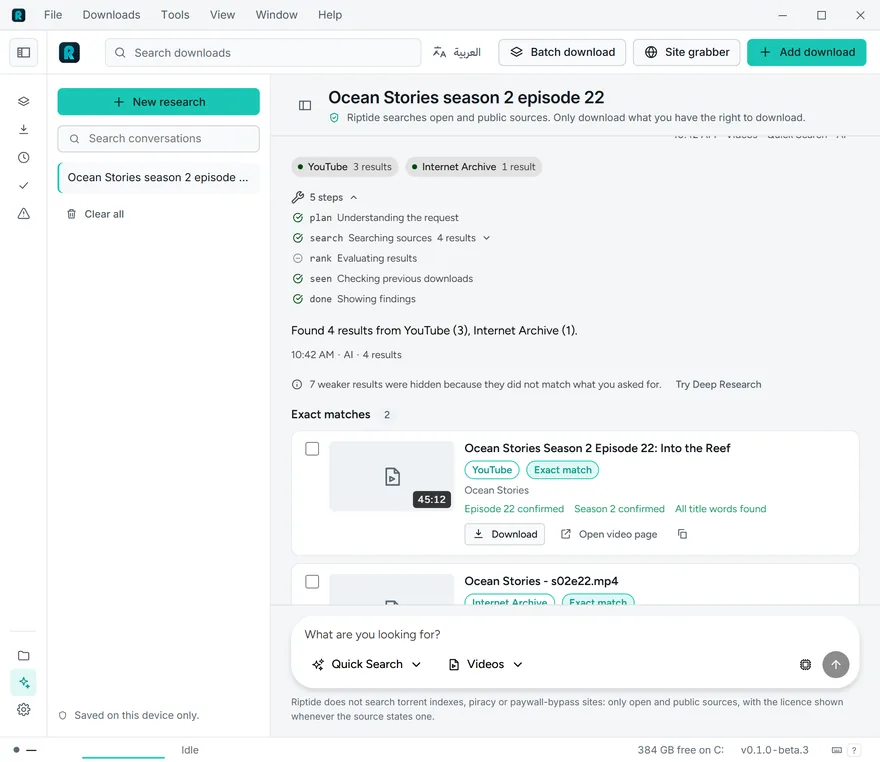
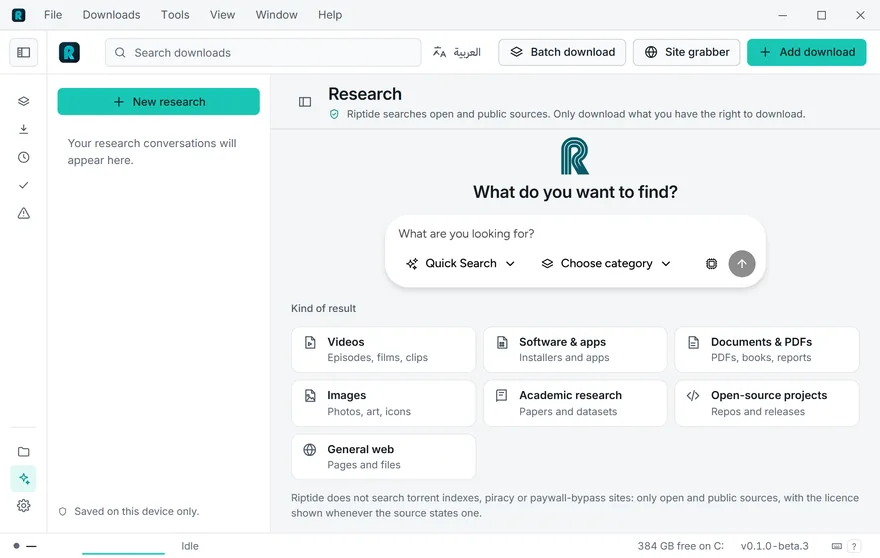
Research
Say what you want. Riptide searches open sources and checks every result.
Browser extension
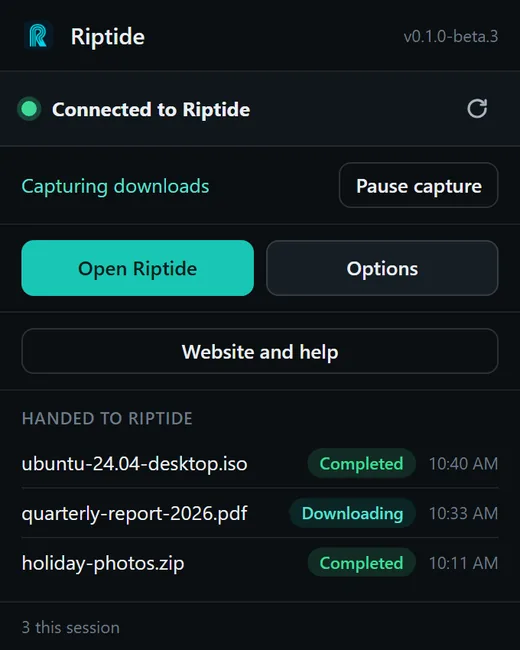
Chrome and Edge. Click a link as usual and it lands in Riptide.
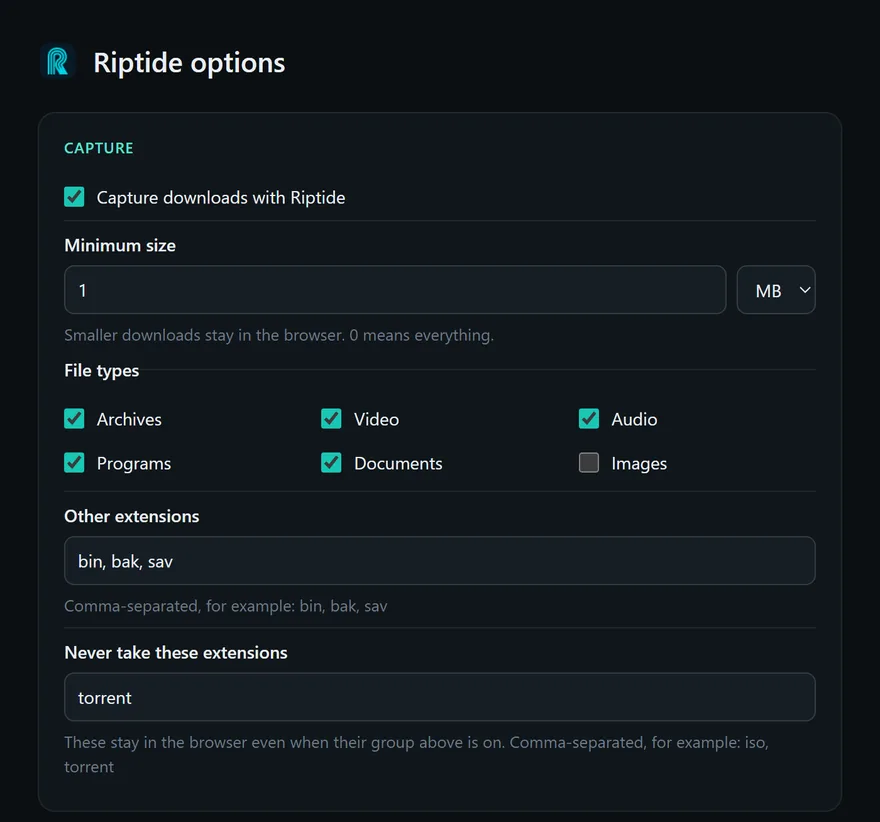
Pick the file types and sizes Riptide takes.
On links, images, audio and video.
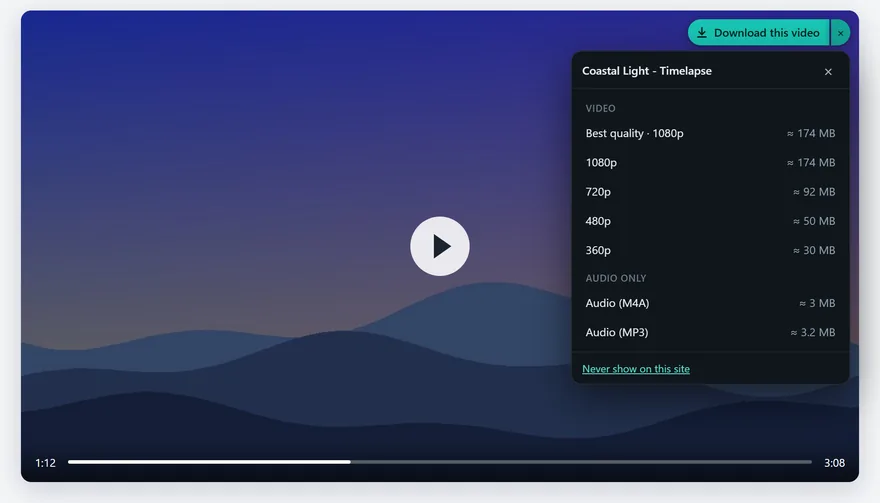
Every quality with its size, or audio only.
Every link, the ones you pick, or every image.
Install: Settings → Integration → Open extension folder, then Load unpacked in your browser. Step by step
No data collection, no remote code, no analytics.
Privacy
Nothing about you or your downloads is collected.
Sign-ins go only to their own site; API keys stay in Windows Credential Manager.
An optional update check. Turn it off in Settings.
App: GPL-3.0. Engine: MIT or Apache-2.0. Every line is on GitHub.
$ git clone https://github.com/LayanJarrar1/Riptide$ cargo build --releaseIt's a beta. Your reports decide what gets fixed first.
Security issue? Report it privately.Yes. No paid tier, no license key, no trial. The code is open source.
Every release lists SHA-256 checksums. Run certutil -hashfile with the file name and SHA256, then compare the result with the list.
Chrome and Edge, through the extension: Settings → Integration → Open extension folder, then Load unpacked in your browser. It sends downloads to Riptide by your rules and adds a Download this video button. For Firefox, the extension source on GitHub builds for it; there is no published Firefox add-on yet.
No. It talks only to the Riptide app on your computer, has no network access of its own, loads no remote code and has no analytics. Cookies are read only for a download that needs a sign-in, and go only to that site.
Yes. Paste a page link and Riptide fetches the video through bundled yt-dlp, with a quality picker. The browser extension adds a "Download this video" button.
Windows 10 and 11 for now. The engine is portable, but there is no date for other platforms.
Yes. Paste a magnet link or open a .torrent file, choose the files, and it downloads like any other item. Seeding is off unless you turn it on.
No. Research works as a plain search without one. If you add your own key, the AI ranks results and says why. Your key stays in Windows Credential Manager, and your download history is not shared unless you switch that on.
Open Settings → AI → Quick setup. Pick Google Gemini or Groq (both free, no card), or run it on your own computer with Ollama or LM Studio (free and private, no key). Press Open the page, copy a key, press Paste, and Riptide tests it. It takes about a minute. Riptide sends only your search words, and Settings → AI → Remove key undoes it.
Download · Beta 4
Free. Windows 10 and 11, 64-bit. No admin prompt.
A beta build. Expect rough edges, and tell us about them.
Always up to date. Riptide checks GitHub Releases shortly after it starts and then every few hours, and shows a notification when a new version exists. One click installs it; updates are signed and verified, and never interrupt running downloads. You can turn the check off in Settings. It is the only call Riptide makes on its own; everything else happens when you start it (downloads, torrents, search, video support updates). See the privacy page for the full list.
Sends downloads from Chrome and Edge to Riptide. Adds "Download this video" with a quality picker, download all or selected links and all images, and capture rules.
Windows SmartScreen may warn about the installer because it is not code-signed yet. That is expected for a new, unsigned app. If you downloaded it from this page or the Releases page, choose More info, then Run anyway. To be sure the file is the one we published, run certutil -hashfile on it with SHA256 and compare the result with the SHA-256 checksums list.